Accounts Payable Automation for Manufacturers: A Practical Guide
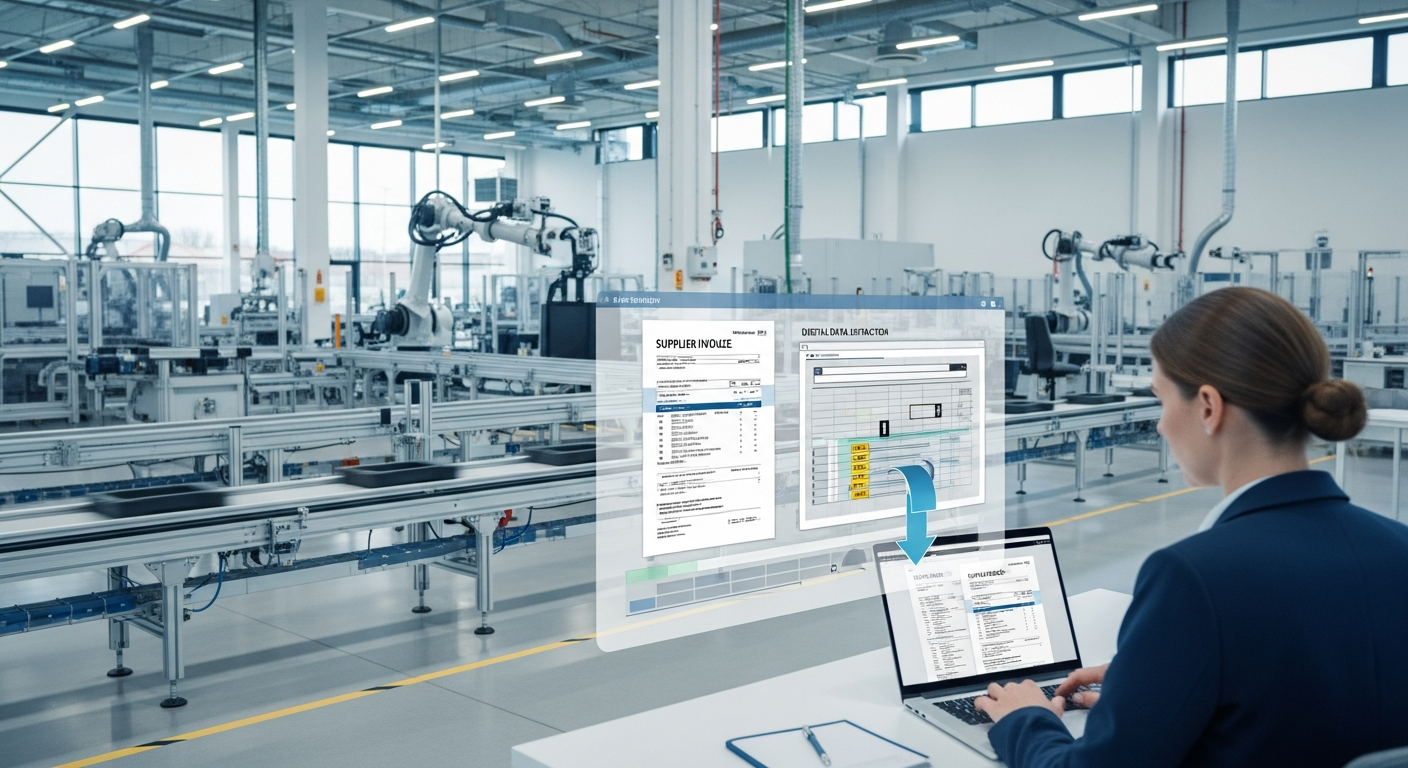
Accounts Payable Automation for Manufacturers: A Practical Guide
In manufacturing, the bottleneck in accounts payable usually isn't approving invoices or cutting checks. It's everything that has to happen before any of that, getting the data off a supplier's invoice and into your system in the first place.
For most manufacturers, that step is still manual. Someone in AP opens a supplier invoice or purchase order, reads it line by line, and types each item, quantity, and price into the accounting system or ERP before anyone can review or approve it. On a single invoice it's tedious. Across the volume a working manufacturer processes, it's a serious drain on time, accuracy, and cash flow.
Why manufacturing AP is uniquely document-heavy
Manufacturers deal with more document complexity than most businesses. A single production run can involve dozens of suppliers, each sending invoices, purchase orders, packing slips, and receiving documents, often with multiple line items each. Raw materials, components, packaging, equipment, and services all generate paperwork that flows through AP.
And these aren't simple one-number documents. A supplier invoice might have twenty line items, each with a part number, description, quantity, unit price, and total. Getting that into your system by hand means typing every field accurately, every time. It's slow, and it's exactly the kind of repetitive work where human error creeps in.
The real cost of the manual step
The cost shows up in three places.
Time. AP staff spend hours each day on data entry rather than on the parts of the job that need judgment, managing supplier relationships, catching discrepancies, handling exceptions, and keeping cash flow healthy.
Errors. Manually keyed line items introduce mistakes, a wrong quantity, a transposed price, that ripple into inventory records, cost accounting, and supplier disputes. Every error costs more to find and fix than it would have cost to capture correctly the first time.
Speed. When invoices sit in a queue waiting to be entered, the whole AP cycle slows down. That delays approvals, strains supplier relationships, and makes it harder to capture early-payment discounts.
How AI document automation changes the workflow
AI-powered document processing removes the manual entry step at the front of the AP cycle. Instead of a person reading and typing, the workflow looks like this:
- A supplier invoice or PO arrives.
- It's uploaded to the AI, which reads the document and extracts every field, including each line item, quantity, and price, in seconds.
- The structured data is exported straight into your accounting system or ERP.
- Your team moves directly to review and approval, with clean data already in place.
The key capability for manufacturers is line-item extraction. It's not enough to pull an invoice total, you need every line, accurately, because that's what feeds inventory and cost accounting. Good AI document processing handles multi-line documents reliably, regardless of how each supplier formats theirs.
No templates, no per-supplier setup
Manufacturers work with many suppliers, and every supplier formats documents differently. Older automation tools required a separate template for each one, which meant constant maintenance and manual fallback whenever a format changed.
Modern AI document processing doesn't use templates. It understands what an invoice is and what each field means, so it reads any supplier's document, new or existing, clean or messy, without configuration. Add a new supplier and it just works.
What manufacturers gain
The results compound across the AP function:
- Faster close. Data is captured as documents arrive, so month-end isn't a backlog scramble.
- Fewer errors. Automated extraction removes manual keying mistakes from inventory and cost records.
- No overtime at peak. AP teams handle volume spikes without burning evenings on data entry.
- Better cash control. Faster processing means more on-time payments and more captured discounts.
See Jannat AI on your documents
Upload any invoice, bill of lading, or customs document and get every field extracted in seconds. No templates, no setup.