AI Document Processing vs. Traditional OCR: Why Templates Are Dead
AI Document Processing vs. Traditional OCR: Why Templates Are Dead
If you've ever looked into automating document data entry, you've probably run into OCR, optical character recognition. It's been around for decades, and for a long time it was the only option. It's also the reason a lot of logistics companies tried document automation once, got frustrated, and went back to typing by hand.
The problem isn't automation. The problem is the old approach. Understanding the difference between traditional OCR and modern AI document processing explains why earlier tools failed, and why the technology finally works.
How traditional OCR actually works
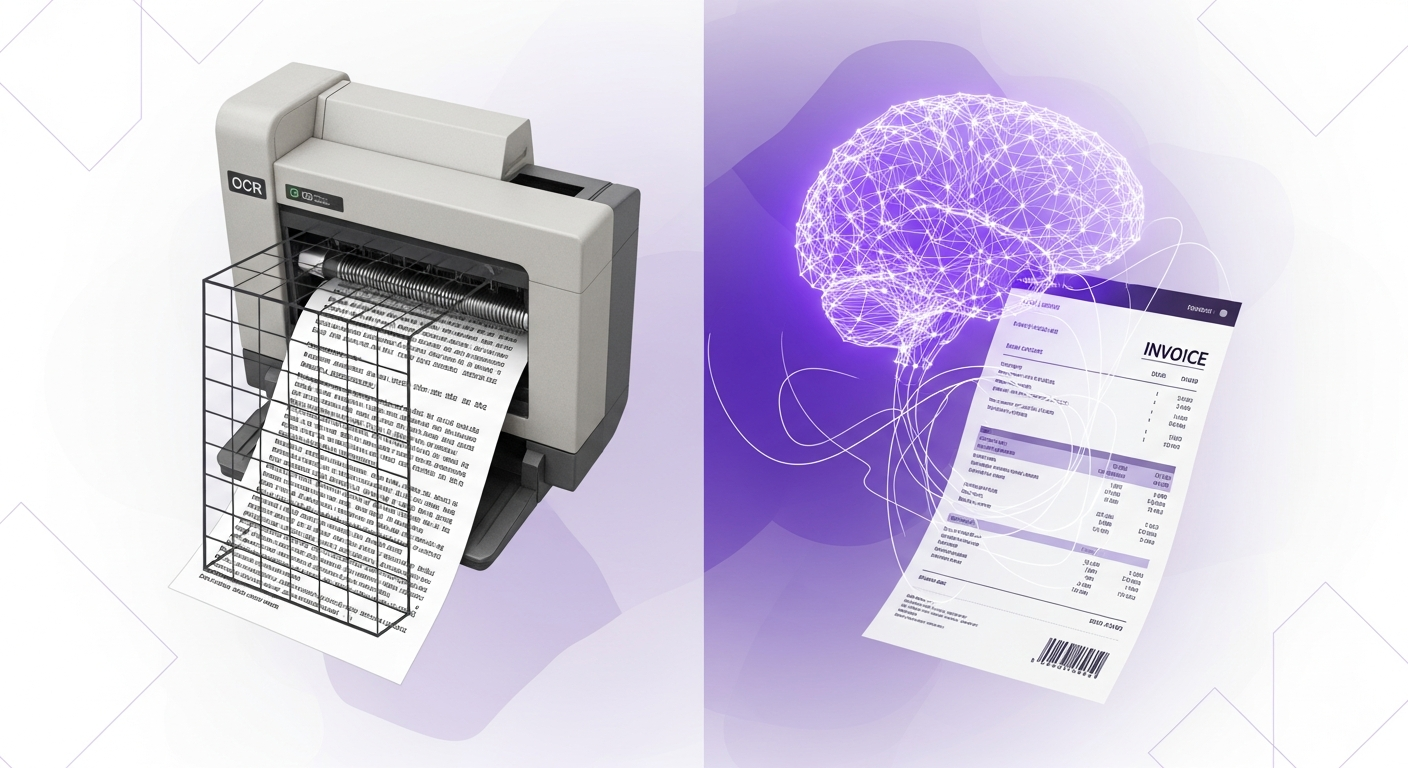
Classic OCR does one thing: it converts an image of text into machine-readable text. Point it at a scanned invoice and it'll give you back the words and numbers on the page.
The catch is that OCR doesn't understand the document. It can read the characters, but it doesn't know which number is the invoice total, which is the weight, and which is the reference number. To make that data useful, older systems rely on templates, you tell the software, "On this vendor's invoice, the total is always in the bottom right, and the PO number is always in the top left."
That works fine until reality shows up.
Why templates break in the real world
Logistics runs on documents from hundreds of different sources. Every carrier, supplier, broker, and customer has their own invoice layout, their own bill of lading format, their own delivery note style. Some are clean PDFs. Some are photos taken on a phone. Some are scans of scans.
A template-based system needs a separate template built and maintained for every one of those formats. The moment a vendor changes their layout, or a new vendor sends their first invoice, the template breaks and a human has to step in. You end up maintaining a library of hundreds of brittle templates, and you're still doing manual work every time something doesn't fit.
For most logistics operations, that's more trouble than it's worth. Which is exactly why so many gave up on automation.
How AI document processing is different
Modern AI document processing, sometimes called intelligent document processing, doesn't rely on templates at all. Instead of being told where each field lives, the AI understands what the document is and what each piece of information means.
It knows that an invoice has a total, a vendor, line items, and a date, regardless of where they appear on the page or how that particular vendor formats things. It reads a bill of lading and understands shipper, consignee, weight, and piece count even if it's never seen that exact layout before.
The practical result: you upload any document, in any format, from any source, and get clean, structured data back in seconds. No template to build. No setup for each new vendor. No human stepping in every time something looks different.
The accuracy difference
Template OCR is accurate only when the document matches the template exactly. Push a slightly different format through it and accuracy falls off a cliff.
AI extraction is built for variety. Because it understands meaning rather than position, it stays accurate across the messy reality of real-world documents, different layouts, varying quality, handwriting, logos, stamps. Good AI document processing reaches 99%+ accuracy across document types without anyone configuring a thing.
What this means for your business
If you evaluated document automation a few years ago and walked away, it's worth a fresh look, the technology that frustrated you is not the technology available now.
The question to ask a vendor is simple: Do I have to build or maintain templates? If the answer is yes, you're looking at the old approach, and you'll be doing manual work forever. If the answer is no, you're looking at AI that actually adapts to your documents instead of forcing your documents to adapt to it.
See Jannat AI on your documents
Upload any invoice, bill of lading, or customs document and get every field extracted in seconds. No templates, no setup.