Bill of Lading OCR Software: What to Look For (and What to Avoid)
Bill of Lading OCR Software: What to Look For (and What to Avoid)
The bill of lading is one of the most important, and most frequently processed, documents in freight. Every shipment generates one, and the data on it has to make its way into your systems accurately. Doing that by hand is slow and error-prone, which is why so many freight teams look for bill of lading OCR software.
But "OCR software" covers a wide range of tools, and the difference between a good one and a bad one is the difference between saving hours and creating new headaches. Here's what to look for, and what to avoid.
First, understand what "OCR" really means
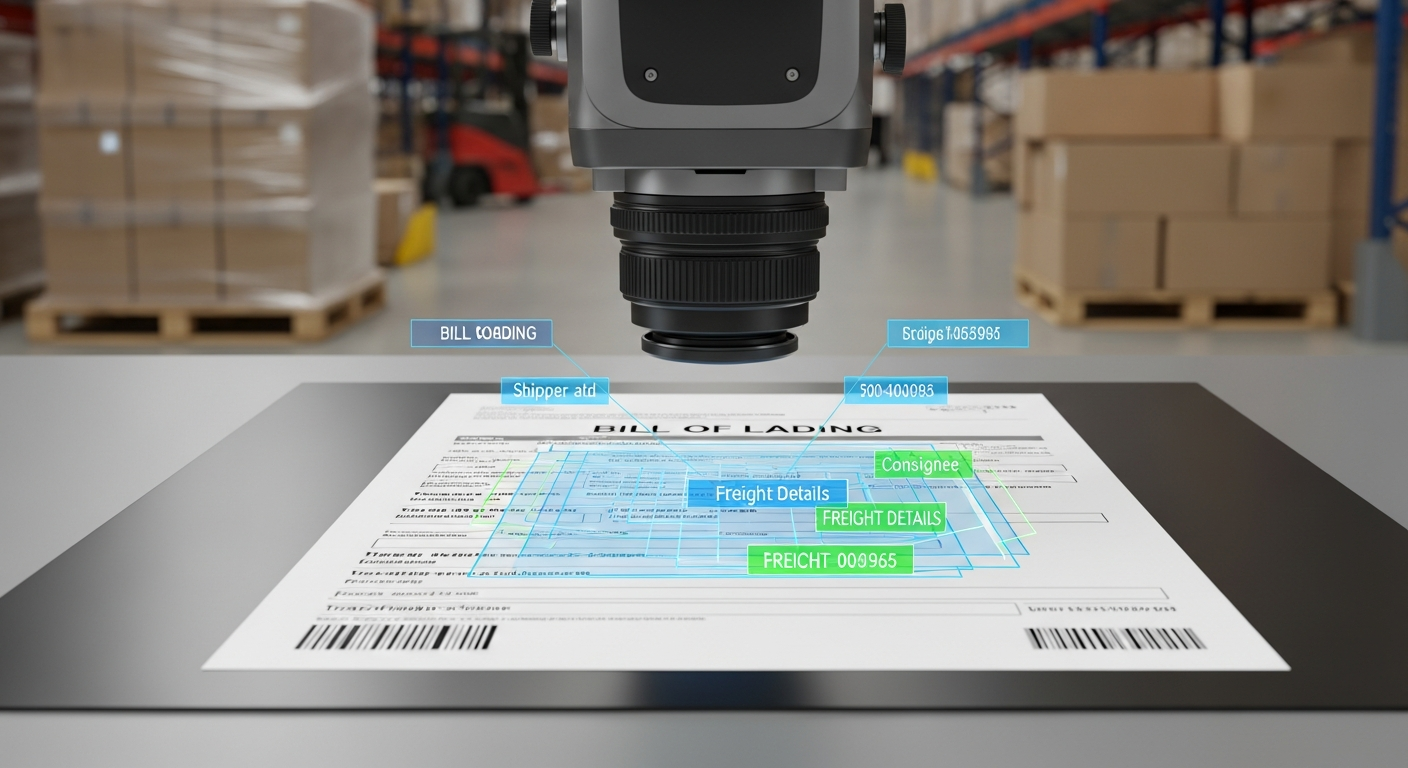
OCR, optical character recognition, converts an image of text into machine-readable text. Basic OCR can read the words and numbers on a bill of lading, but it doesn't understand them. It doesn't inherently know which value is the shipper, which is the consignee, which is the weight, and which is the reference number.
This distinction matters enormously, because a tool that just "reads the text" still leaves you sorting out what each piece of data means. The tools worth paying for go beyond OCR to actually understand the document.
What to avoid
Template-dependent tools. The biggest trap. Some bill of lading OCR software requires you to build a template for each carrier's BOL format, telling it where each field sits. Bills of lading vary widely between carriers, so you end up maintaining a library of templates and doing manual work every time a new format appears. Avoid anything that asks you to "map" or "configure" each document type.
Text-only OCR with no understanding. If the tool just dumps out raw text and leaves you to find the fields, it hasn't saved you much. You want structured data, shipper, consignee, weight, pieces, reference numbers, clearly labeled, not a wall of text.
Tools that can't handle real-world quality. Bills of lading arrive as clean PDFs, faxed copies, phone photos, and scans of scans. Software that only works on pristine documents will fail you constantly. Avoid anything that can't handle the messy reality of how BOLs actually show up.
Single-document tools. If it only does bills of lading and you also need to process invoices and delivery notes, you'll end up juggling multiple tools. Look for software that handles all your freight documents.
What to look for
Template-free AI extraction. The most important feature. Modern AI understands what a bill of lading is and what each field means, regardless of the carrier's format. No templates to build, no maintenance, and it works on BOLs it's never seen before.
Structured, labeled output. You want the tool to return clean, organized data, shipper, consignee, origin, destination, weight, piece count, reference numbers, ready to use, not raw text to sort through.
Robustness across quality. Test it on your worst documents. Good software stays accurate on photos, scans, and unusual layouts.
Integration with your systems. The extracted data should flow into your TMS, accounting system, or spreadsheet without manual re-entry, and without forcing you to replace what you already use.
Multi-document support. Ideally the same tool reads your invoices and delivery notes too, so you're not buying separate software for each.
A simple test before you buy
Take three of your most different bills of lading, ideally a clean one, a phone photo, and an unusual carrier format, and run them through any tool you're evaluating. If it extracts all the key fields accurately across all three with no setup, it's the real thing. If it stumbles or asks you to configure each one, keep looking.
How Jannat AI handles bills of lading
Jannat AI reads any bill of lading, any carrier, any format, clean or messy, with no templates and no setup. It returns clean, labeled data (shipper, consignee, weight, pieces, references, and more) in seconds, ready for your TMS or accounting system. And it handles your invoices and delivery notes the same way.
Want to test it on your toughest bills of lading? Book a 15-minute demo and we'll run them live. Or start free at jannat.ai.
See Jannat AI on your documents
Upload any invoice, bill of lading, or customs document and get every field extracted in seconds. No templates, no setup.