How to Extract Data from PDF Invoices Automatically
How to Extract Data from PDF Invoices Automatically
If you process invoices, you know the drill: open the PDF, read it, and type the vendor, date, amounts, and line items into your accounting system or spreadsheet. Do it once and it's tedious. Do it dozens of times a day and it's a serious drain on time, and a steady source of errors.
The good news is that you don't have to do it by hand anymore. Here's how to extract data from PDF invoices automatically, the different methods available, and how to pick the one that actually works.
Why manual PDF data entry is so costly
Before the how, it's worth naming the why. Manually keying data from PDF invoices isn't just slow, it introduces typos that ripple downstream into your accounting, inventory, and payments. And it consumes hours that your team could spend on work that actually requires a human. A single person doing this all day can cost a business well over $28,000 a year in time alone, before counting the cost of errors.
Automating it is one of the highest-return process improvements available to most businesses.
The methods for extracting PDF invoice data
There are a few ways to pull data from PDF invoices automatically. They're not equal.
Copy-paste and spreadsheet tricks. Some people try copying text out of the PDF and cleaning it up in a spreadsheet. This barely works, PDF text often pastes out of order, and you still do most of the work by hand. Not a real solution.
Template-based OCR. This software reads the PDF and pulls data from positions you define in a template. It works if all your invoices come from a few vendors with consistent formats. But if you deal with many vendors, each with a different layout, you'd need a template for every one, plus constant maintenance. For most businesses this becomes more trouble than it's worth.
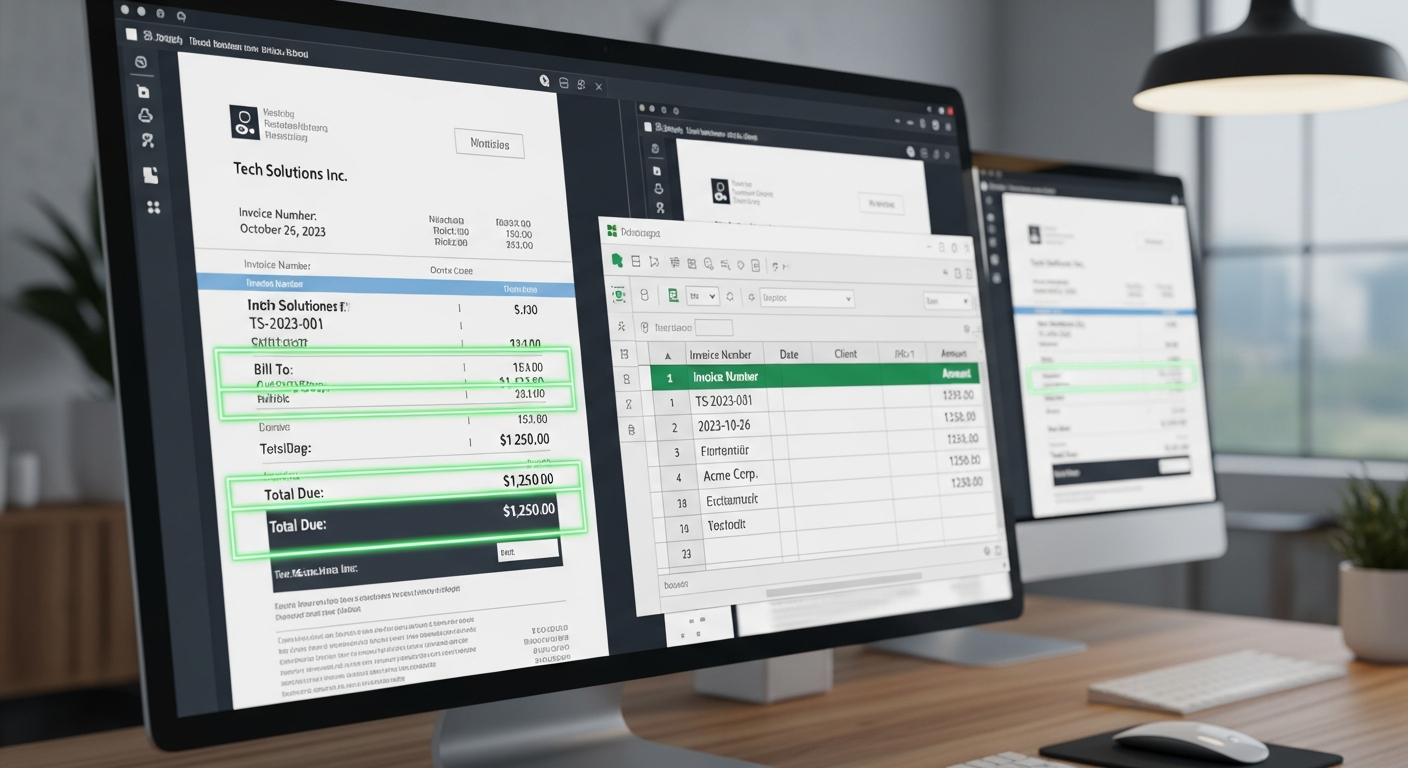
AI document extraction. Modern AI reads the invoice and understands what each field means, vendor, date, invoice number, line items, totals, regardless of the layout. No templates, no setup. You upload the PDF and get clean, structured data back in seconds. This is the method that actually scales across many vendors and formats.
How AI invoice extraction works, step by step
The workflow with a good AI tool is simple:
- Upload the PDF invoice (or have it pulled in automatically from email).
- The AI reads it and identifies every field, vendor, date, invoice number, each line item with quantity and price, subtotals, taxes, and total.
- You get structured data back in seconds, clean and labeled.
- The data exports into your accounting system, ERP, or spreadsheet, no manual typing.
That's the whole process. What used to take ten or fifteen minutes per invoice takes seconds, and the data is more accurate because no one is keying it by hand.
What to look for in an automatic extraction tool
If you're choosing a tool to extract PDF invoice data, prioritize:
- No templates required, so it works across all your vendors without setup
- Line-item extraction, captures every line, not just the total
- High accuracy on real documents, including scans and lower-quality PDFs
- Easy export into the system you already use
- Handles other documents too, if you also process bills of lading or delivery notes
A quick way to test any tool
Take a handful of your most different invoices, different vendors, different layouts, maybe a scanned one, and run them through. If the tool extracts every field accurately with no configuration, it'll handle your real workload. If it needs a template for each, it won't scale.
Extract your PDF invoices automatically with Jannat AI
Jannat AI reads any PDF invoice, any vendor, any format, and extracts every field and line item in seconds, with no templates and no setup. The clean data exports straight into your accounting system, ERP, or spreadsheet. It does the same for bills of lading and delivery notes.
Want to see it extract data from your actual invoices? Book a 15-minute demo and we'll run them live. Or start free at jannat.ai.
See Jannat AI on your documents
Upload any invoice, bill of lading, or customs document and get every field extracted in seconds. No templates, no setup.